Everything in one place
Know what you have, what you can make, and what you need to buy.
One payment, yours forever
No subscription. No monthly bill. Buy once.
Your data, your machine
Everything in a single local file. Back it up with a copy.
Whole team, one install
Install once. Everyone on the network connects in their browser - nothing else to set up.
Stock Management
No more discovering you're out of something after you've promised delivery.
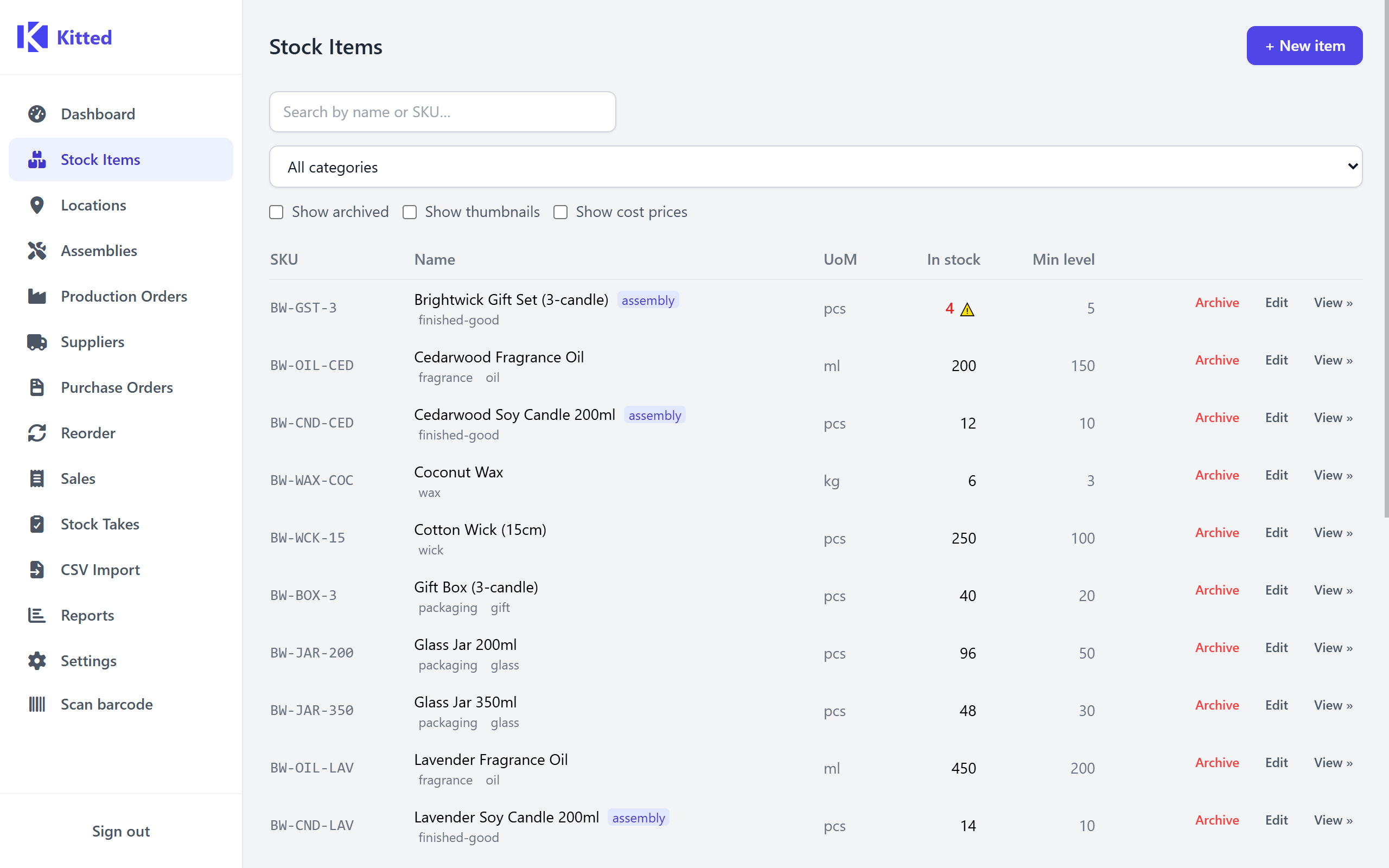
- - Track materials, components, and finished goods across multiple locations.
- - Set a minimum level on any item - get a dashboard alert before you run out.
- - Flexible units: each, kg, litres, metres - or define your own.
Recipes & Bills of Materials
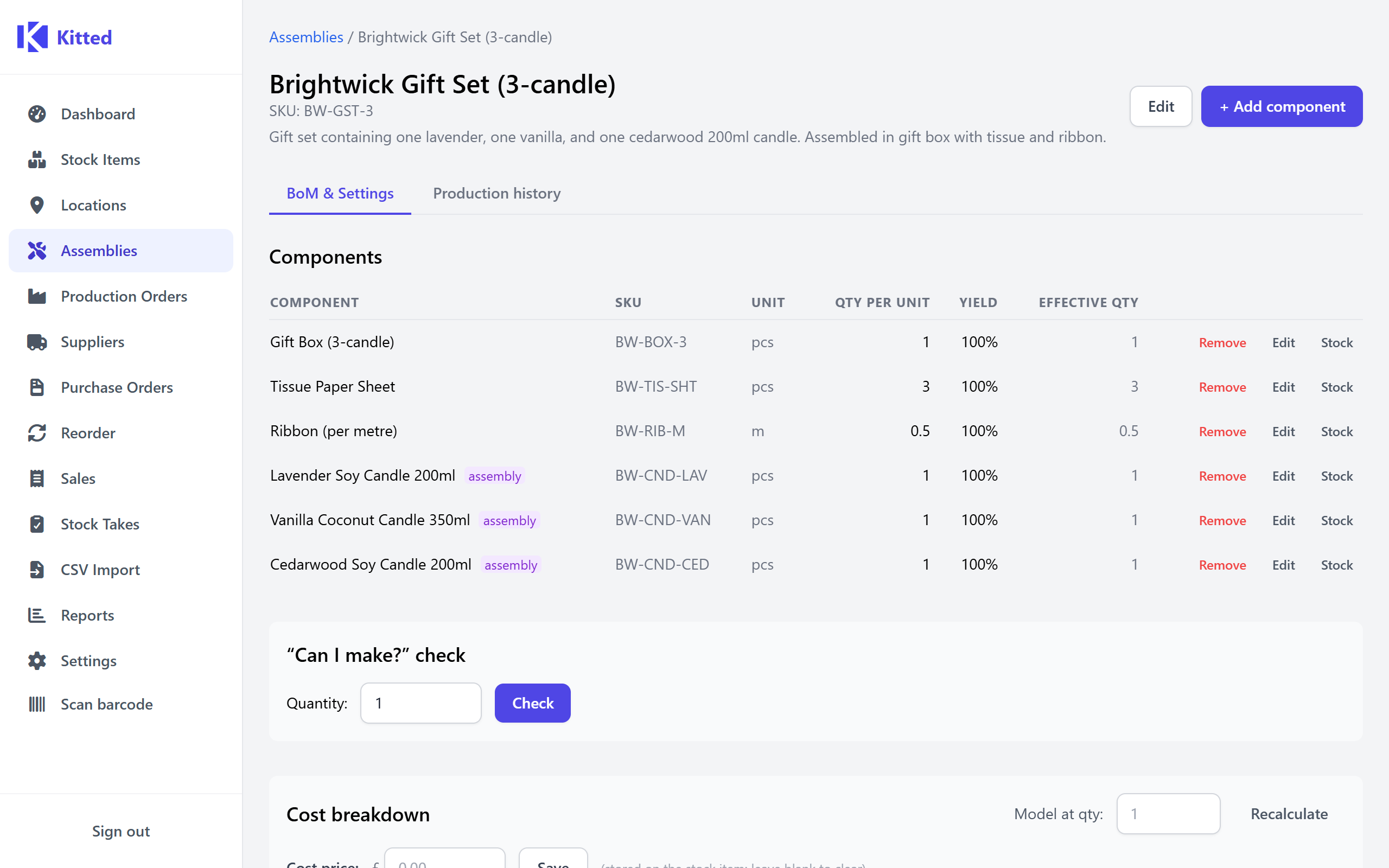
Know whether you can fill an order before you commit to it.
- - "Can I make this?" instantly shows which ingredients are short, and by how much.
- - Sub-assemblies handled automatically - Kitted expands the full tree for you.
- - Cost roll-up: true material cost per unit, including waste and yield losses.
- - Where-used lookup - instantly see every recipe or assembly that uses a given component.
Production Orders
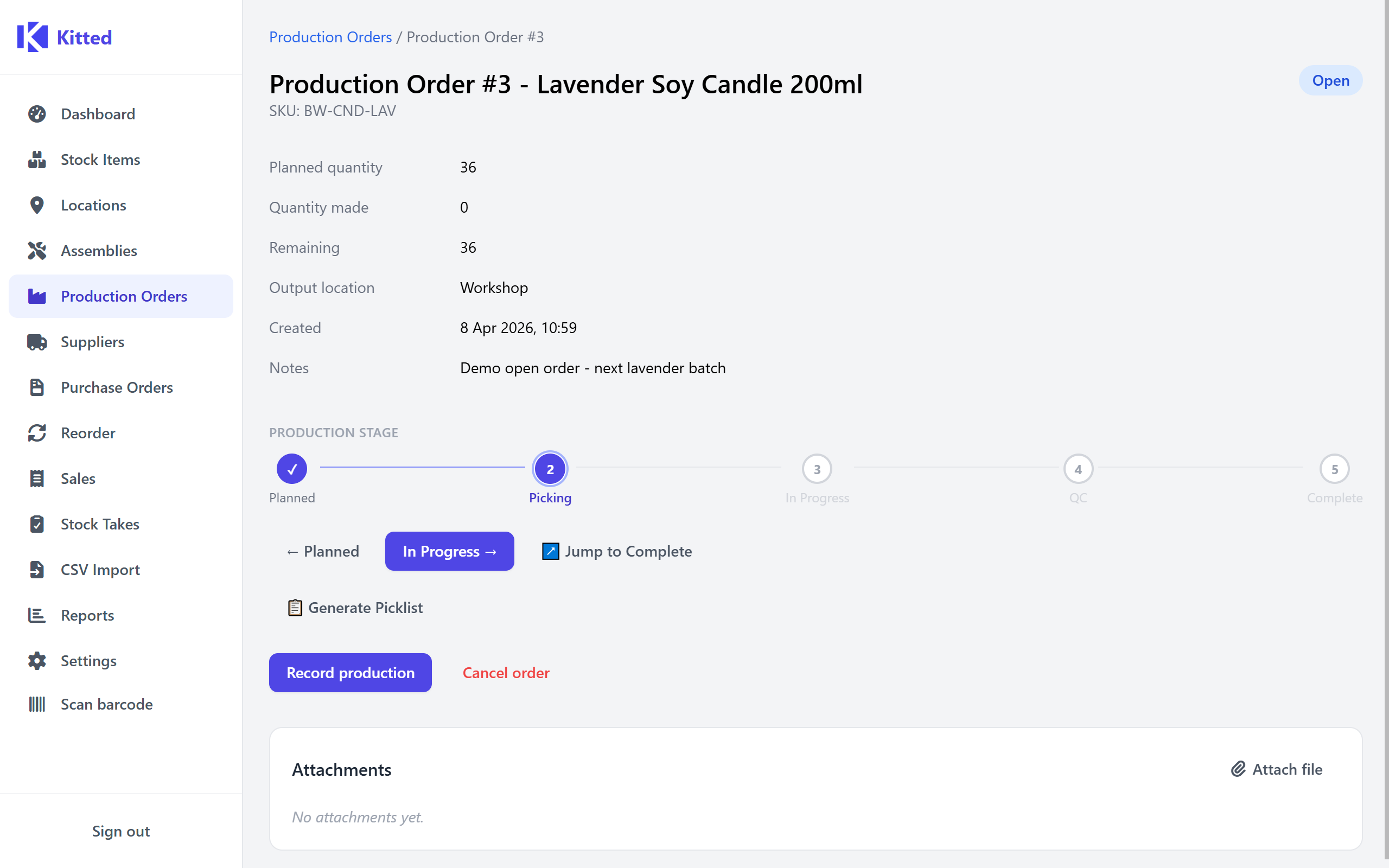
Schedule a run, track every stage, record what you made.
- - Five stages: Planned → Picking → In Progress → QC → Complete.
- - Per-location component picklist - print or export to CSV.
- - The recipe is locked at order creation, so later changes never affect a run in progress.
Reorder Workbench
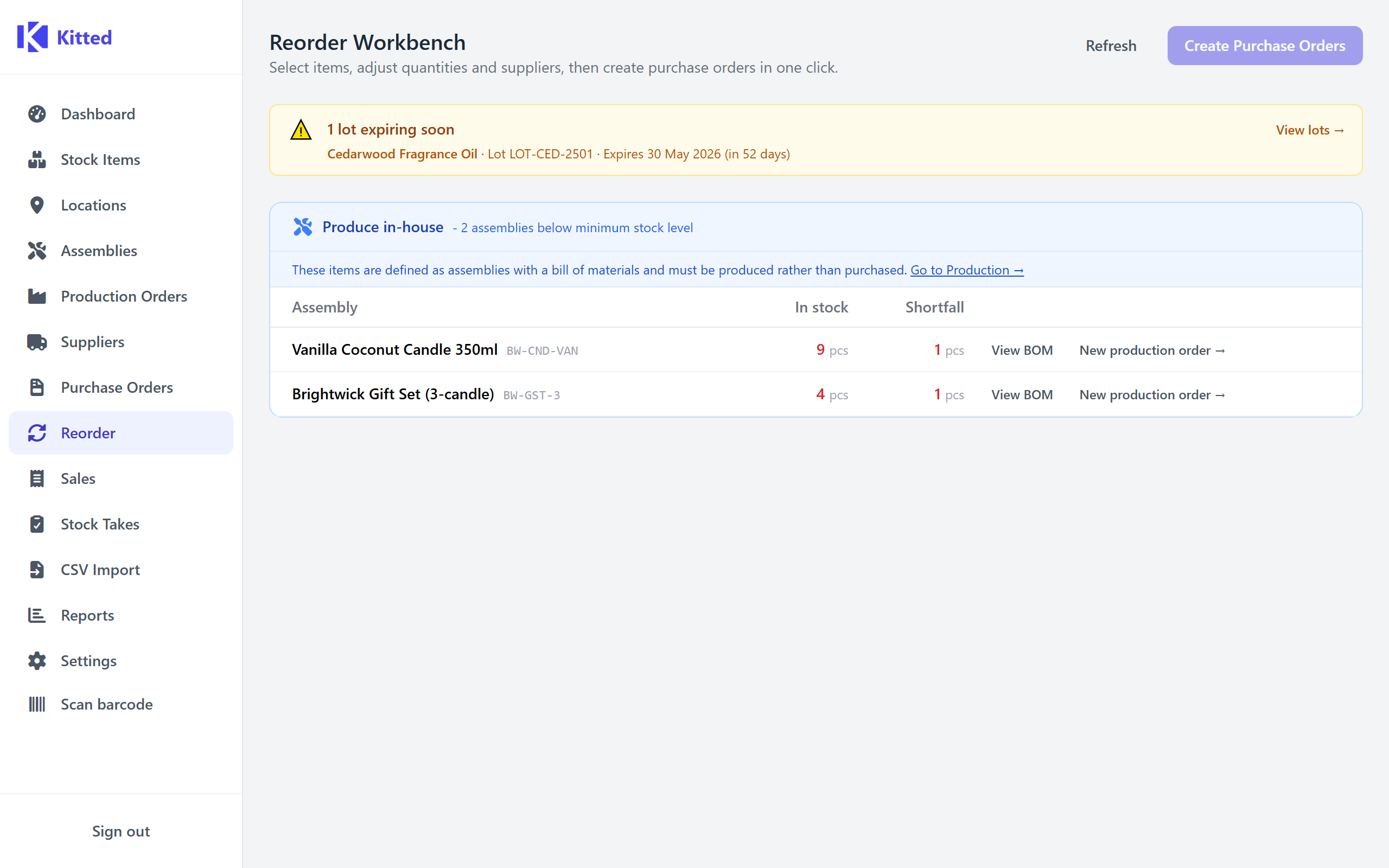
See everything that needs reordering at a glance, before empty shelves become a problem.
- - Every item below its minimum level in one view - no digging through reports.
- - Quantities pre-filled, preferred supplier pre-selected. Adjust anything you like.
- - One click creates a draft purchase order per supplier automatically.
Suppliers & Purchase Orders
Stop chasing prices across emails and invoices - it's all in one place.
- - Supplier directory with contacts, lead times, and file attachments.
- - Multiple suppliers per item - price history tracked automatically on every receipt.
- - Volume pricing support: record tiered price breaks per supplier so your true cost is always accurate.
- - Receive against a PO and stock lands in the right location automatically.
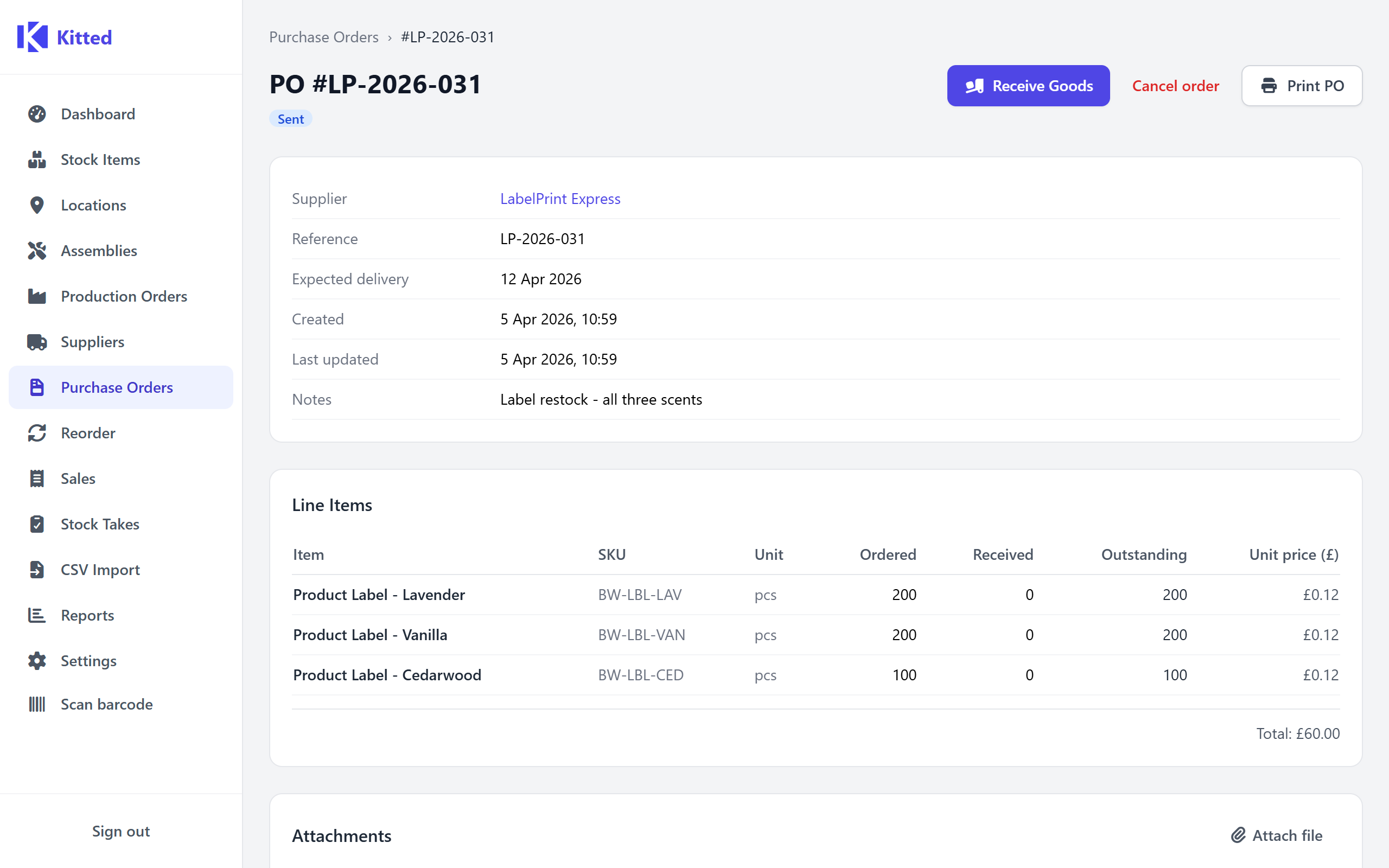
Sales
Record a sale. Stock adjusts itself.
- - Multi-line sales with per-line quantities, prices, and locations in one form.
- - Every sale posts stock movements - the audit trail stays complete automatically.
- - Date-range filter and CSV export for your accounts.
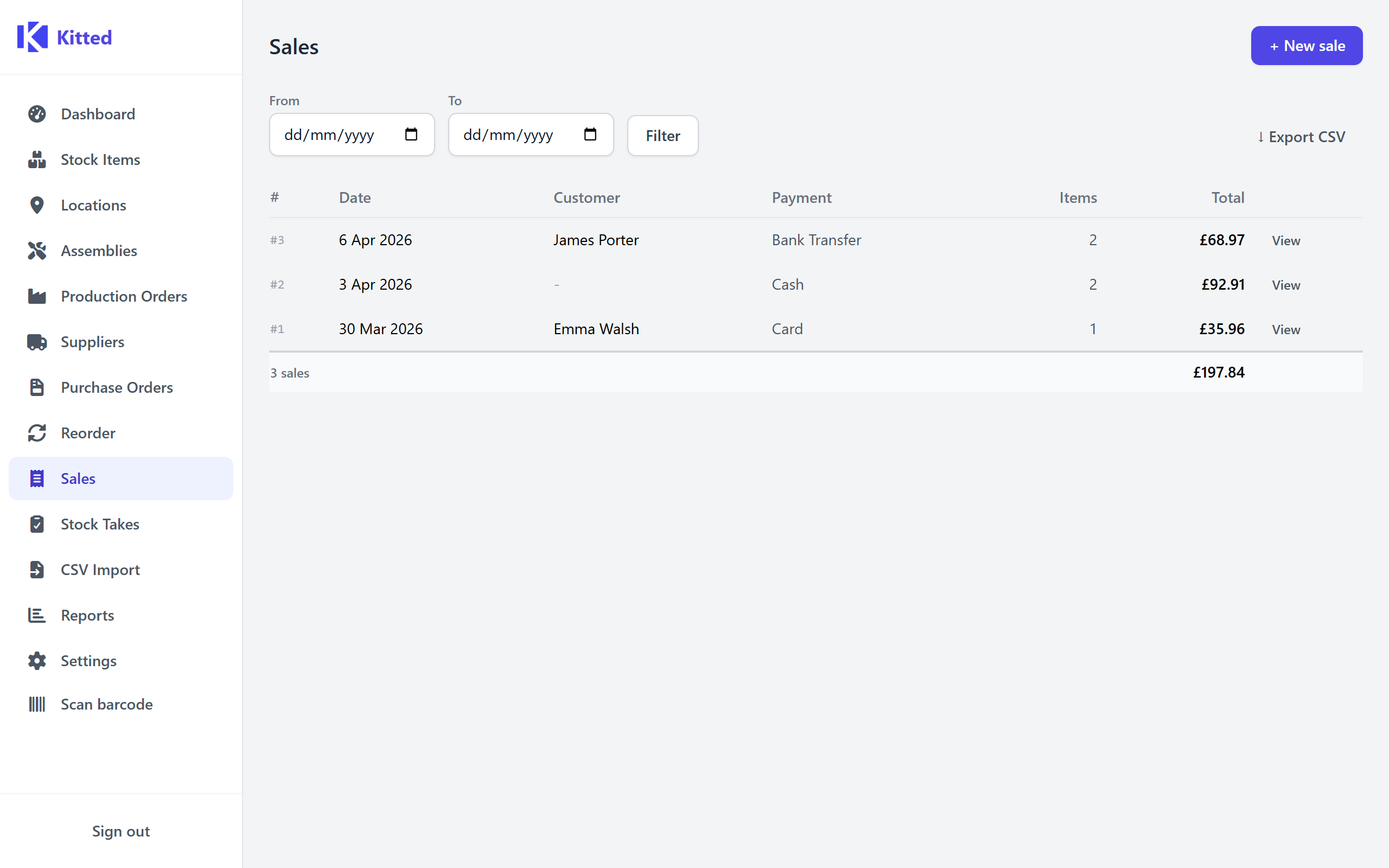
Stock Takes
Reconcile the shelves with the system.
- - Start a take - every item's current level is snapshotted automatically.
- - Count at your own pace. Partial progress saves as you go.
- - Confirm and every discrepancy becomes an adjustment, keeping the audit trail intact.
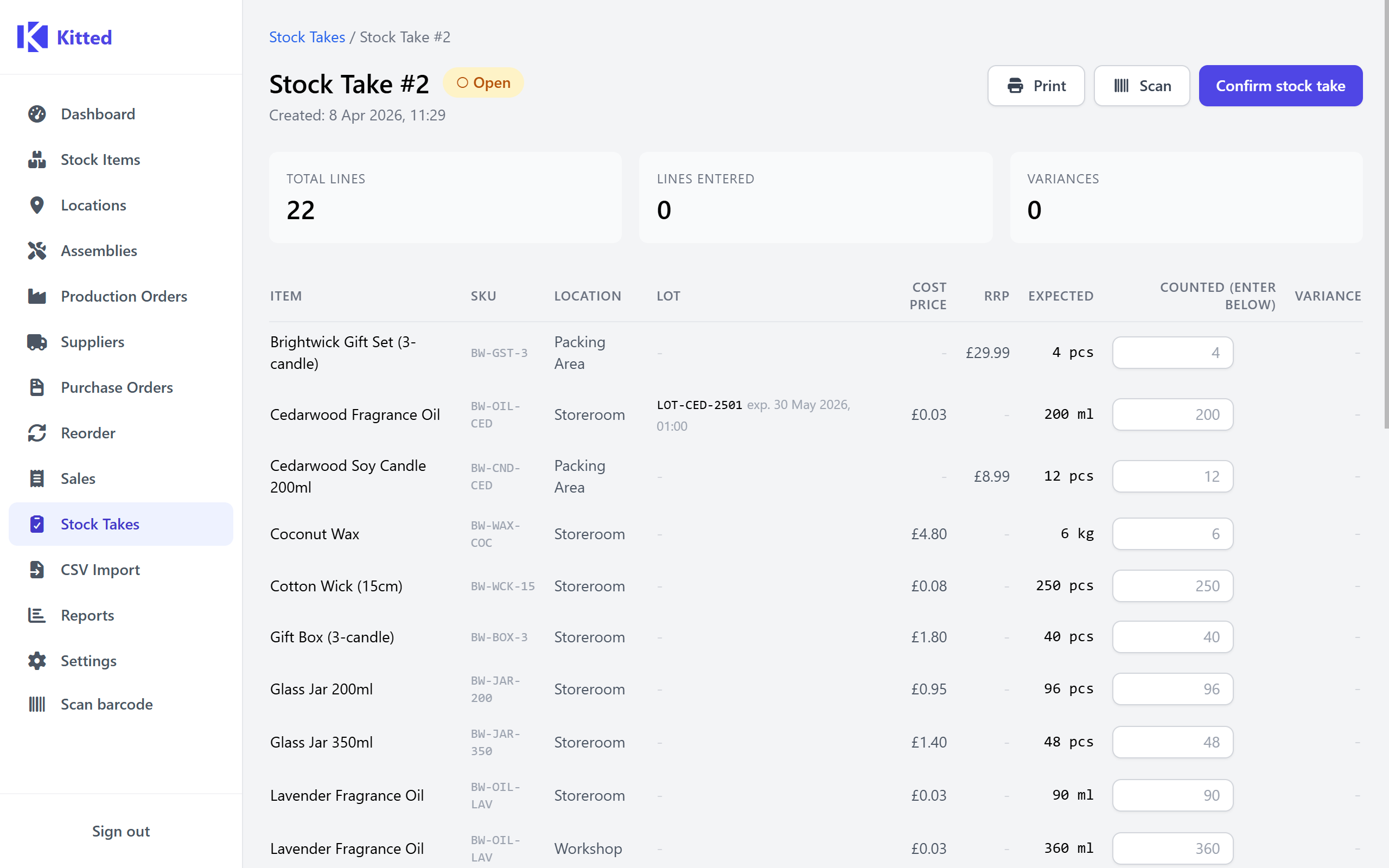
Lot / Batch Tracking
Know exactly which ingredient lot went into which product - before anyone asks.
- - Opt-in per item - only enable it where traceability actually matters.
- - Record a lot number and expiry date when goods arrive. Get an alert before any batch expires.
- - Production deducts the oldest batch first (FIFO) automatically.
- - Forward and backward trace: see every product a recalled lot went into, or every batch a production run consumed.
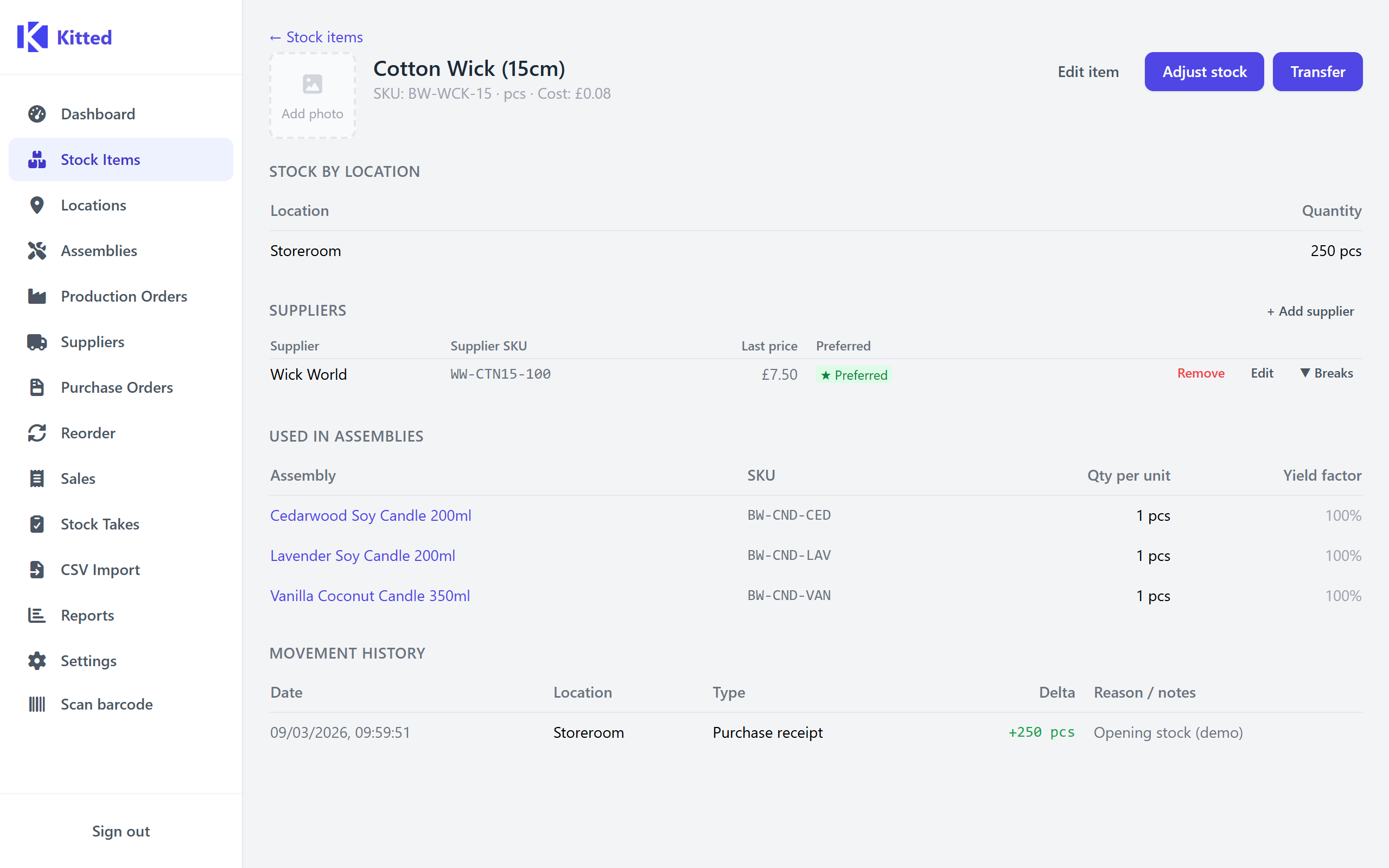
Reports
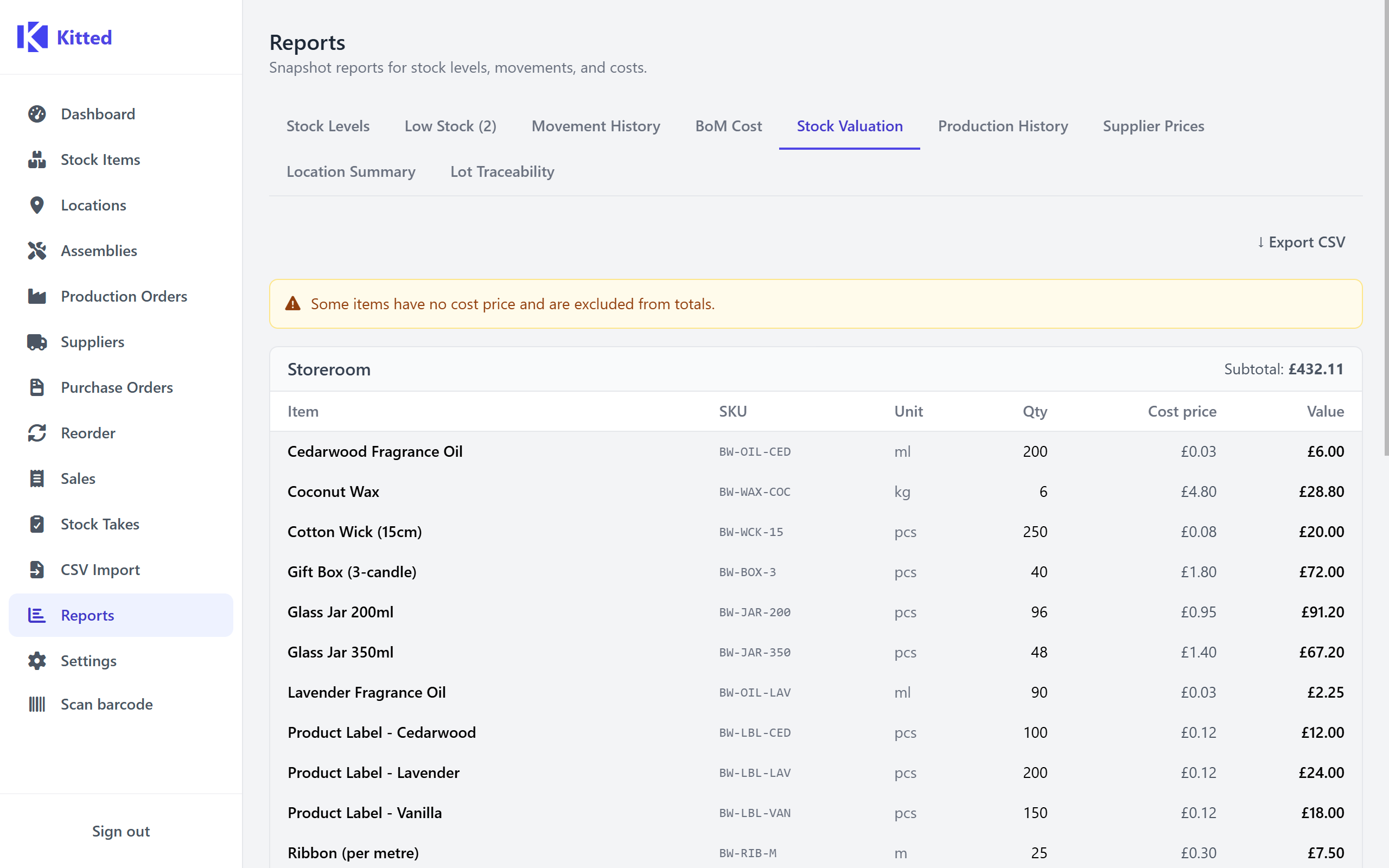
Nine built-in reports. All export to CSV.
- - Stock levels, low-stock alerts, movement history, and valuation.
- - BoM cost breakdown - including waste and nested sub-assemblies.
- - Production history and supplier price comparison.
Also included
Team access
Install once on one machine. Everyone on the network connects in their own browser - no extra software, no extra licences.
Business profiles
Terminology adapts to your trade - Recipes & Ingredients, Assemblies & Components, or Formulas & Materials.
Bulk CSV import
Upload a spreadsheet to create or update your stock catalogue in one go.
File attachments
Attach PDFs, images, and documents to items, orders, and supplier records.
Starter templates
Start with relevant stock items, assemblies, and suppliers already in place. Choose an industry-specific template during setup, or apply one at any time from Settings.
30-day free trial
Full functionality, no account required. Nothing leaves your machine.
Ready to get started?
Set up in under an hour. No account. No data leaves your machine.